Channel fragmentation
Brick-and-mortar POS and Shopify ecommerce were not sharing one clean operational truth in Odoo.
Python · React · Node.js · AI · Odoo delivery · Odoo Learning Partner

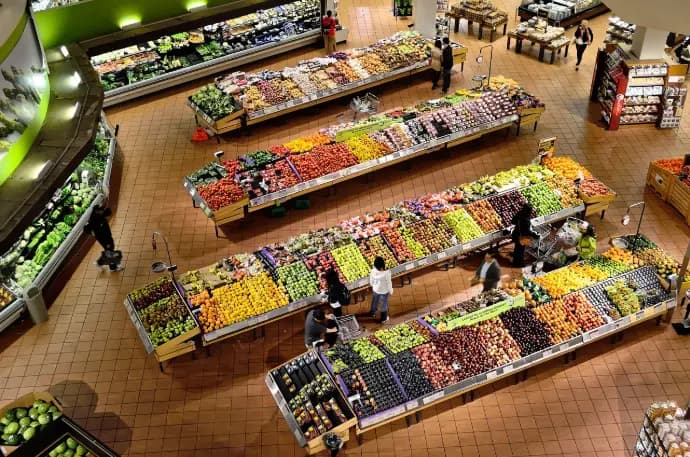
Multi-channel retail across brick-and-mortar and Shopify ecommerce. Custom Odoo modules for Shopify sync, landed costs, fiscal printers, warehouse ops, and management reporting — cutting manual entry and speeding month-end reconciliation.
Built for two readers: executives can scan the summary and impact cards; technical leads can continue into architecture, highlights, and workflows.
18+
Months continuous delivery
6+
Custom modules shipped
Technologies
Solutions delivered
Technology stack
01 · Executive summary
Client · problem · solution · business value — in under two minutes.
Client: a multi-channel retail organization running brick-and-mortar locations and Shopify ecommerce on an Odoo backbone.
Problem: disjointed POS, inventory, purchasing cost allocation, and month-end reconciliation created heavy manual work across channels.
Solution: custom Odoo modules for Shopify synchronization, landed costs, fiscal printer integration, warehouse operations, and management reporting — delivered as long-term on-demand development.
Business value: less manual data entry across channels, faster month-end reconciliation, and unified retail + ecommerce operations on one ERP.
02 · Business challenges
Brick-and-mortar POS and Shopify ecommerce were not sharing one clean operational truth in Odoo.
Purchasing cost allocation and financial reconciliation depended on heavy manual data entry.
Browser POS needed regulated fiscal printer connectivity for compliant receipts.
Warehouse operations and management reporting needed ERP-native improvements, not offline workarounds.
03 · Business requirements
04 · Solution delivered
Extended Odoo with custom modules for Shopify synchronization, landed cost tracking, fiscal printer integration, warehouse operations, and management reporting — continuous on-demand delivery rather than a one-shot project.
Key modules & areas: Sales, Inventory, Purchase, Accounting, POS, Shopify
Sales, inventory, purchase, accounting, and POS as the retail core; Shopify as a connected channel.
Shopify sync and landed-cost tracking reduce re-keying between ecommerce, purchasing, and finance.
C# middleware bridges browser POS to regulated fiscal printers where required.
Management reporting and landed-cost data accelerate month-end reconciliation.
05 · Technical architecture
Sales, inventory, purchase, accounting, and POS as the operational core for multi-channel retail.
Custom Shopify synchronization so ecommerce activity lands in ERP processes instead of spreadsheet bridges.
C# middleware where browser POS needed regulated fiscal printer connectivity.
Landed cost tracking and management reporting to accelerate reconciliation.
06 · Technical highlights
Practical engineering decisions — not a technology laundry list.
Channel events land in Odoo retail flows so ecommerce is not a parallel spreadsheet universe.
Purchasing cost allocation stays in Odoo for margin and reconciliation visibility.
Browser POS reaches regulated printers through a dedicated hardware bridge.
Operational warehouse improvements and management reports reduce month-end consolidation work.
07 · Features delivered
Channel sync so ecommerce orders/operations connect to Odoo retail flows.
Compliant fiscal receipt generation via middleware-connected POS.
Purchasing cost allocation tracked inside Odoo rather than offline sheets.
Operational warehouse improvements on the ERP inventory model.
Reporting support for month-end and operational visibility.
Incremental custom modules and operational improvements shipped across retail sync, finance, warehouse, and reporting — rolled out in phases to keep live stores stable.
08 · Automation workflow
Shopify activity and retail operations feed into Odoo through configured sync and operational modules.
Inventory, purchasing costs, and accounting entries update inside Odoo as the system of record.
Browser POS transactions reach regulated printers through C# middleware where required.
Management reports and landed-cost data reduce month-end manual consolidation.
09 · Technologies used
10 · Business impact
Less re-keying across retail and ecommerce channels for day-to-day operations.
Landed costs and management reporting accelerate financial and purchasing reconciliation.
Brick-and-mortar and Shopify share one Odoo operational backbone.
Fiscal printer path keeps regulated receipts inside the POS workflow.
11 · What makes this engagement unique
Unlike the dedicated Shopify–Odoo automation case, this engagement is a broader retail programme — landed costs, fiscal POS, warehouse, and reporting — with Shopify as one connected channel among several operational systems.
12 · Why this matters
Multi-channel retail only works when ecommerce, POS, inventory, and finance share one operational truth. Continuous delivery of connectors and custom modules removes month-end chaos.
Services that match the problem, technologies, and outcomes in this case study.
Guides, resources, and tools that match this implementation theme.

Shopify–Odoo automation
Shopify storefronts connected to Odoo operations — connector sync, stock-aware merchandising, multi-website infrastructure, and custom Product Automation with logging and Manual Run.
Logistics & warehouse
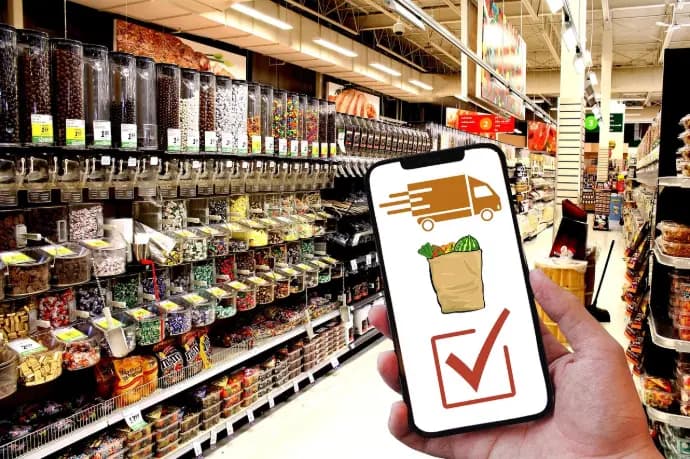
Odoo for high-volume trading and distribution — barcode-driven warehouse picking, shipping automation, and clearer stock states from purchase through delivery.
On-premise deployment
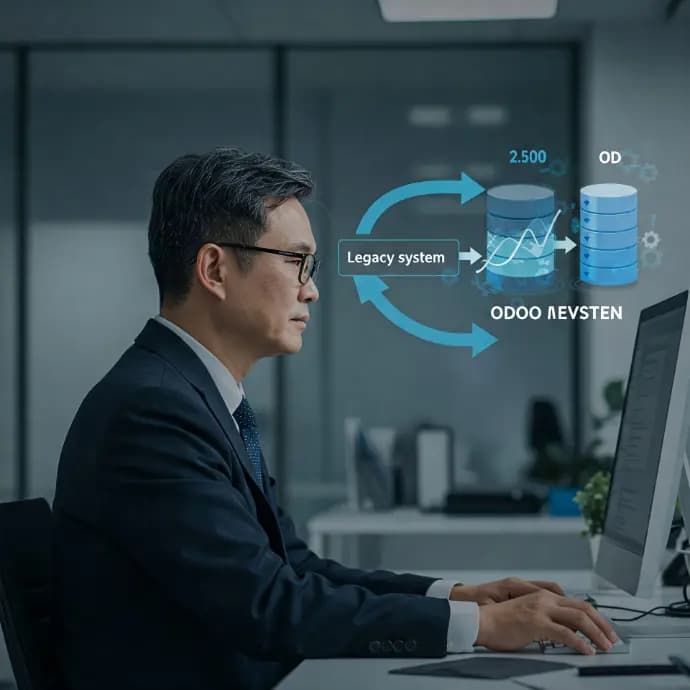
Odoo on secure self-hosted Docker infrastructure. Automated Stripe fee accounting, bulk ecommerce variants, and finance workflows — delivered in a focused migration and deployment engagement.
Continue with another published implementation in the portfolio.
This engagement is a broader retail operations programme (landed costs, fiscal POS, warehouse, reporting) with Shopify as one channel. The dedicated Shopify–Odoo case study focuses on integration and product automation in depth.
Next step
Tell us which channels and ERP workflows are still manual.
Share your constraint — Shopify sync, migration, POS, manufacturing, or warehouse automation — and we will recommend the right engagement type.
